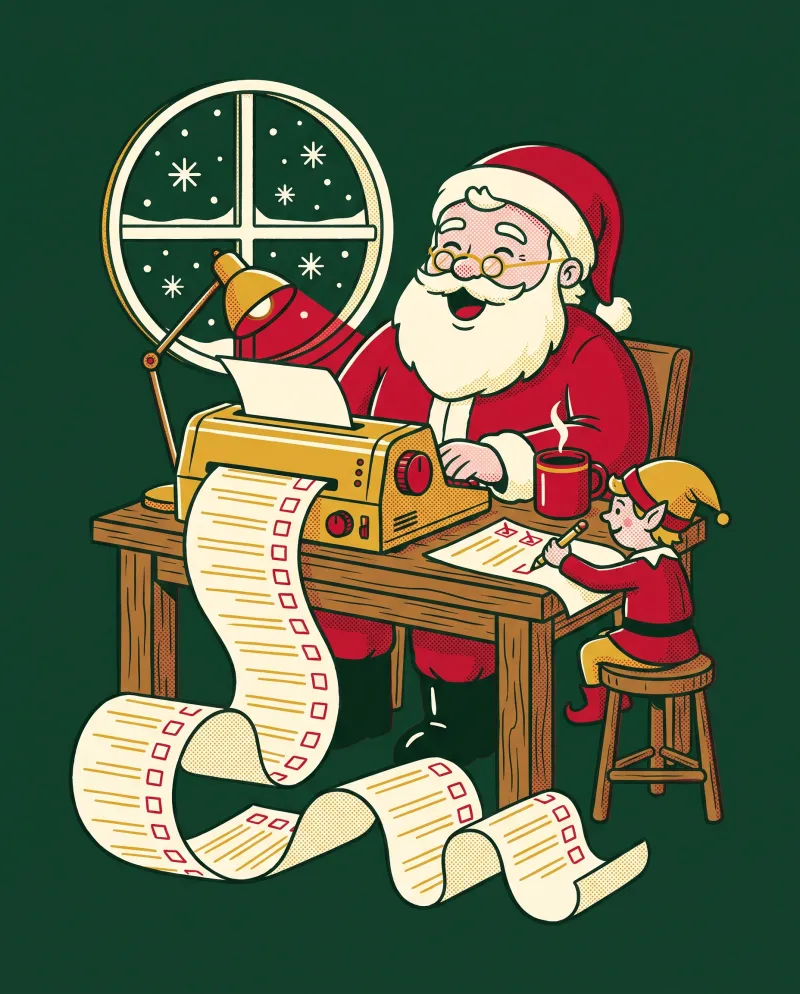
A free Christmas wish list printable with your wishes already on it
Most printable lists are blank sheets you download and fill in by hand. This Christmas list printable works the other way round. You type a name and a few wishes, and they appear on the page, ready to print. If you would rather write them yourself, leave the lines empty.
It is a free Christmas wish list printable that runs in your browser. There is no account to make and nothing to install. You pick A4 or US Letter, then print it or save it as a PDF.
Two ways to use it: a Santa list or a grown-up wish list
Choose "A child" and the first page becomes a Dear Santa letter. It has the child's name in it, a list of wishes and a space for something kind they did this year. It works as a printable Santa list for children of any age, from the first year they can say what they want to the year they start rolling their eyes.
Choose "A grown-up" and you get a plain wish list instead, with a box for sizes, colours and links. That one saves whoever is buying for you a lot of guessing, and it is handy for sharing with a partner, parents or the person who drew your name.
How kids can write a letter to Santa
A letter to Santa is a good excuse to practise writing, and it tells you what is on a child's mind. A few small ideas help it go smoothly.
Younger children can tell you their wishes while you type them in. Older children can type their own, or print the page with empty lines and write in pencil. Leaving a few lines blank also lets a child add a last-minute idea on Christmas Eve.
- Sit down together and talk about the year. What was fun? What are they proud of?
- Let the child say their wishes out loud before anything goes on paper.
- Encourage them to start with one or two big wishes and add smaller ones after.
- Fill in the kind thing they did this year. It is a nice moment to talk about.
- Print the page, let them decorate it, and sign it "Love from" with their own name.
Christmas wish list ideas by age group
If a child draws a blank when you ask what they want, these starting points can help. They are ideas to spark a conversation, not a shopping list.
Mixing one big wish with some smaller ones and one experience, such as a trip to a trampoline park or a day out with grandparents, tends to make the list feel balanced.
- Toddlers and pre-schoolers: picture books, building blocks, a dress-up costume, bath toys, a first play kitchen or tool set.
- Ages 5 to 8: craft kits, board games, a scooter or bike, books in a favourite series, a toy for imaginative play.
- Ages 9 to 12: a science or art kit, a sports item, a book series, a puzzle, a hobby they have just started.
- Teenagers: headphones, a notebook and nice pens, something for their room, a gift card to a shop they like, a day out with friends.
- Grown-ups: a cosy jumper, a good book, a candle, kitchen tools, an experience such as a class or a meal out.
Keep your gift budget on track with the gift tracker
Tick the "Add a gift tracker page" box and the second page lists everyone you are buying for. Each row has columns for the gift idea, the budget, and two tick boxes: bought and wrapped. Type the people in one per line, or leave them blank to write by hand.
A few habits make the tracker more useful. Keep it somewhere the children will not find it.
- Add up what you can comfortably spend overall, then divide it between the people on your list before you shop.
- Write a budget next to each name and treat it as a ceiling.
- Note a gift idea as soon as you think of one, even if you are not buying yet.
- Tick "bought" the moment you pay, so you do not buy twice.
- Tick "wrapped" when the present is done, and you will see at a glance what is left.
Printing tips, cardstock and a family tradition
Use US Letter in the US and Canada, and A4 almost everywhere else. In the print window set scale to 100 percent so the page fills the sheet. If your colour ink is low, switch on the ink saver option and the red panels print as grey outlines.
For a letter that feels special, print on cardstock if your printer can handle it. Check the paper weight your printer supports first. Regular paper works well too, especially for the gift tracker.
Some families turn this into a yearly ritual. Print a new letter every December, keep the old ones in a folder, and look back at them together. Over a few years it becomes a small record of what each child cared about at each age.
Your list stays on your device
The names and wishes you type are kept only in this page's link, after the # sign. Browsers do not send that part to a server, so we never see it. Use Copy my link to save your list, and you can reprint the same pages later. Anyone you give the link to can see what is on it, so share it with care.
Questions people ask
Is this Christmas list printable free?
Yes. It is free to use, there is no account to create, and it works in your browser. You can print it or save it as a PDF as often as you like.
Can I get a Christmas wish list template for adults?
Yes. Choose "A grown-up" and you get a plain wish list with a box for sizes, colours and links. You can type your wishes in or print it with blank lines.
How do I make a Dear Santa letter for my child?
Choose "A child", type the child's name and, if you like, their wishes, one per line. The first page becomes a letter to Santa with a space for something kind they did this year. Print it and let them sign it themselves.
How many wishes can I add?
Up to 14, one per line. Any lines you leave over print blank, so children can add more by hand.
What is the gift tracker page?
It is an optional second page that lists the people you are buying for. Each row has a gift idea, a budget and tick boxes for bought and wrapped. Tick the box to add it, then type the names one per line.
What size does it print on?
You can choose A4 or US Letter. Pick the size that matches your printer and set the scale to 100 percent in the print window.
Can I print it on cardstock?
Yes, if your printer supports thicker paper. Check the maximum paper weight in your printer's manual first, and try one test page before printing the lot.
Are the names and wishes I type saved anywhere?
No. They are kept only in the link after the # sign in your browser and are never sent to a server. Use Copy my link if you want to reprint the same pages later.