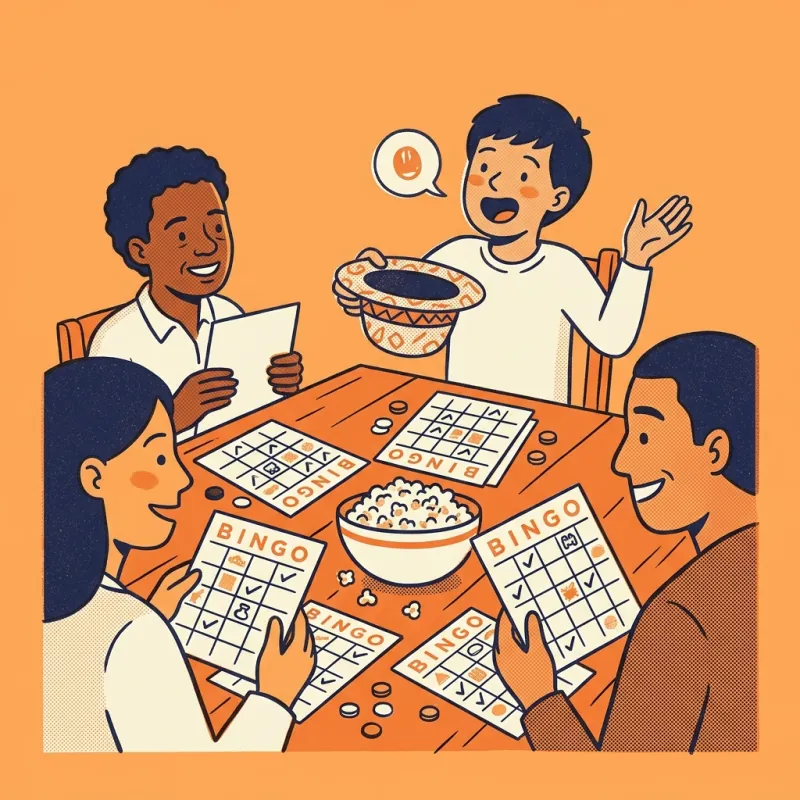
How does this bingo card generator work?
You type a list of words, one per line, and the generator shuffles them into as many cards as you ask for. Each card gets its own arrangement, so two players almost never mark the same square at the same moment. The preview updates while you type, and the print button sends the finished pages to your printer or saves them as a PDF.
The shuffle is seeded by your title and your words. That means the same list always prints the same set of cards. If you lose a card halfway through the term, open your saved link and print it again: card 7 will still be card 7. Change one word and you get a fresh set.
Nothing is uploaded. Your list lives in the page's link and in your browser, so you can make cards for a class, an office party or a family game night without signing up for anything.
Which grid size should you pick: 3x3, 4x4 or 5x5?
The grid decides how long a game lasts and how many words you need. Bigger grids take longer to win and need longer lists.
- 3x3: nine squares, or eight words plus a free centre. Quick games for young children, short attention spans or a warm-up round.
- 4x4: sixteen squares and no centre square. A good middle ground for vocabulary practice or a short meeting icebreaker.
- 5x5: the classic card. Twenty-four words plus a free centre, or twenty-five without it. Best for parties and longer games.
How many words do you need for custom bingo cards?
At the very least, enough to fill one card: 24 for a 5x5 card with a free centre, 16 for a 4x4 and 8 for a 3x3 with a free centre. If your list is shorter, the generator leaves some squares blank and the caller sheet tells you how many words are missing.
More words than squares makes a better game. With exactly 24 words, every 5x5 card holds the same words in a different order, so cards fill up at a similar pace and lines are the only thing that separates players. With 35 to 50 words, each card holds a different selection, and the game feels more like real bingo. You can add up to 75.
Keep each entry short. Two or three words fit neatly in a square. Long phrases still print, in a smaller size, but they are harder to spot when the caller reads them out.
How does number bingo with B-I-N-G-O columns work?
Choose Numbers 1 to 75 and you get the classic 75-ball card. Each column draws from its own range: B holds 1 to 15, I holds 16 to 30, N holds 31 to 45, G holds 46 to 60 and O holds 61 to 75. Numbers in each column are sorted from top to bottom, so players can scan for them quickly.
The caller sheet for number bingo is a board of all 75 numbers in their columns. You can tick each number as you call it, or cut the board into squares and draw them from a bowl. Calling the letter with the number, as in "G 52", helps everyone find the right column straight away.
What can you use custom bingo cards for?
Anything with a list of things people will hear, see or do. A few ideas that work well:
- Classroom review: key terms, sight words, times tables answers or historical figures. Read a definition and let students find the word.
- Icebreakers: "has a pet", "was born in winter", "speaks two languages". People walk around and find someone for each square.
- Baby and bridal showers: gift items such as blanket, bottle or candle, marked as each present is opened.
- Road trips: red car, cow, bridge, petrol station.
- Meetings and conferences: phrases you expect to hear, for a little fun.
- Holidays: or use our Christmas bingo, which comes with its own picture squares and calling cards.
How do you print and play?
- Pick US Letter or A4 so the cards fit your paper exactly.
- Choose two cards per page to save paper, or one per page for bigger squares that young children and older players find easier to read.
- Print on card stock if you plan to reuse the cards, or slide paper cards into clear sleeves and mark them with a dry-wipe pen.
- Use counters, buttons, dried beans or crayons as markers.
- Agree the winning pattern before you start: one line, two lines, four corners or a full card.
- Use Ink saver if your printer is low on colour. The free square and titles switch to grey and black.
Questions people ask
Is this bingo card generator free?
Yes. You can make and print as many bingo cards as you like without an account, and nothing you type is sent to a server. The words stay in the page link on your device.
Is every bingo card different?
Yes. Each card is a new shuffle of your words, and the generator checks that no two cards in the set are identical. With 24 words on a 5x5 card, every card has the same words in a different order; add more words for more variety.
How many bingo cards can I make at once?
From 1 to 60 cards in one go, printed one or two per page. If you need more, change the title slightly, such as adding "Group B", and print another set; the new title gives a new shuffle.
Can I make bingo cards with pictures?
This generator prints words and numbers. For a picture version, our Christmas bingo has drawn picture squares and calling cards for children who cannot read yet.
What does the free space in bingo mean?
The centre square on a 3x3 or 5x5 card is marked before the game starts, so every player has one square already. You can turn it off, or change its text to something like "Star" or your event name.
Can I print the same cards again later?
Yes. Use Copy my link to save your settings. Opening the link later rebuilds exactly the same cards in the same order, because the shuffle comes from your title and word list.
What size paper does it print on?
US Letter or A4. Pick your paper in the builder and the cards resize to fit, with a safe margin for home printers.